Change your password
Change your password from the account settings page while signed in, or reset it by email if you forgot it.
Change your password while signed in
Use your current password to choose a new one for your account.
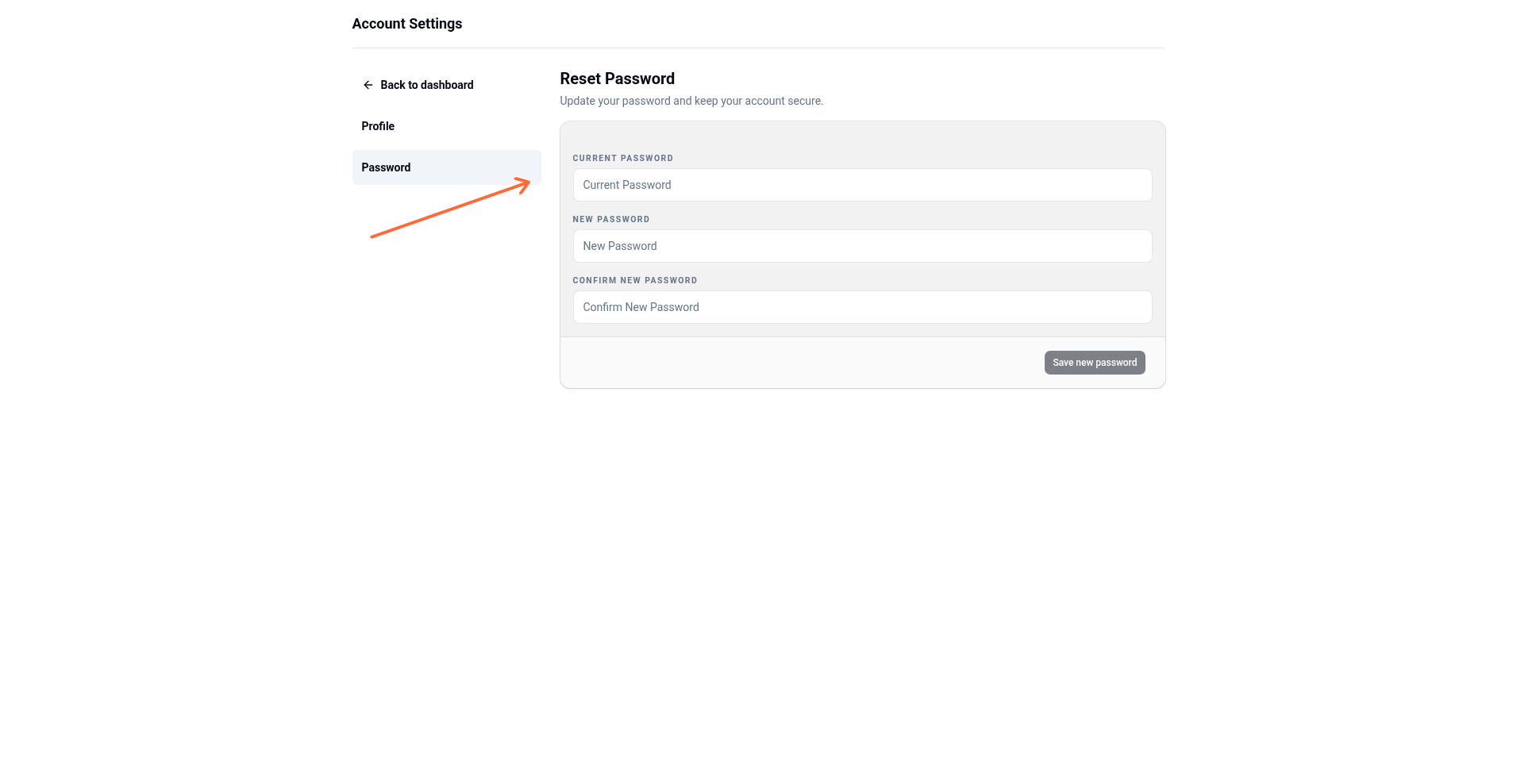
Sign in to the Monstro X dashboard.
Navigate to Account > Password.
Enter your Current password.
Enter your New password.
Enter the same password again in Confirm new password.
Click Save new password.
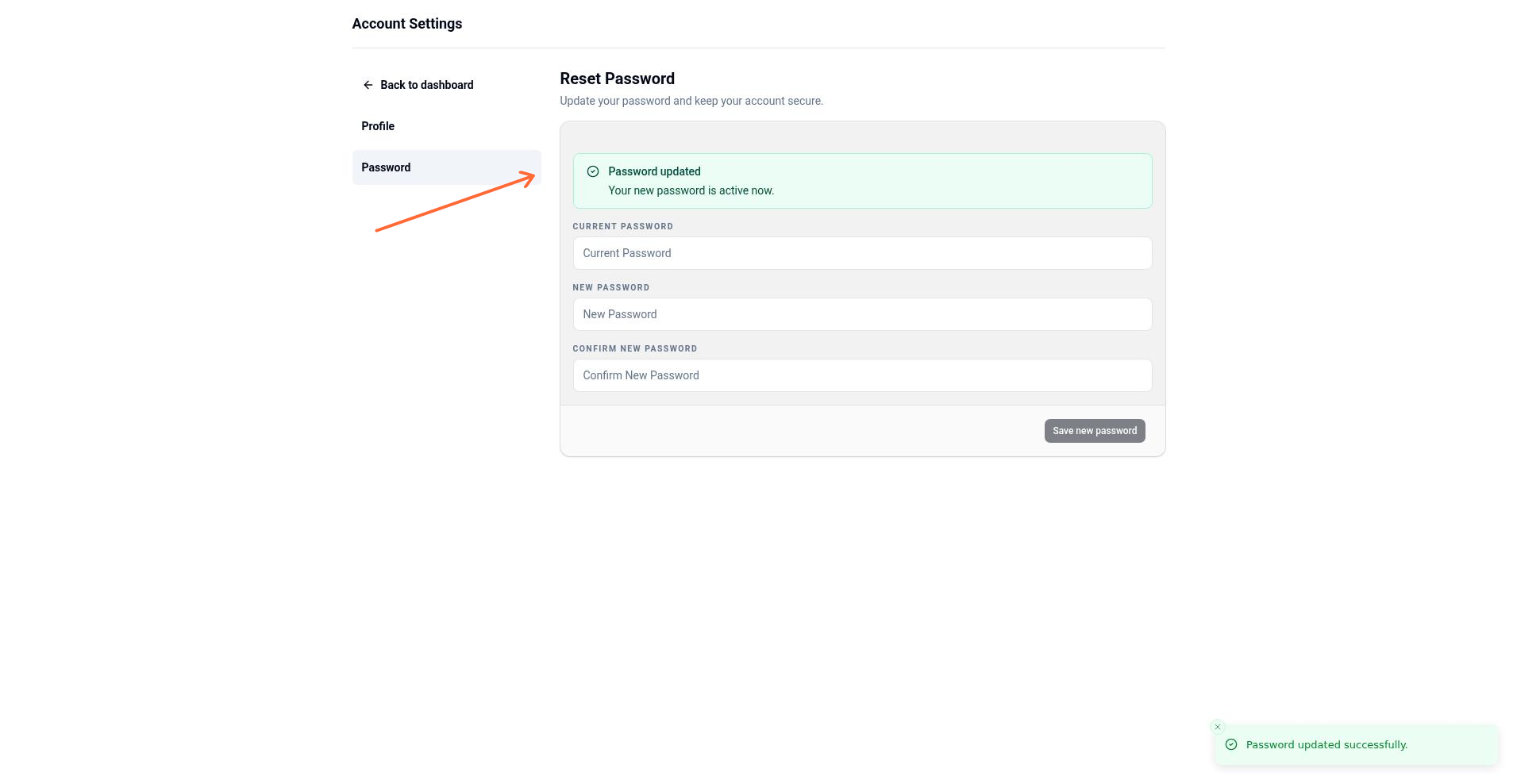
When the update succeeds, you will see the message Password updated and Your new password is active now.
You must enter your current password to change it. If you do not remember it, use the forgot-password flow instead.
Reset a forgotten password
If you are signed out and do not remember your password, request a reset link from the login page.
Go to the Monstro X login page.
Click Reset your password.
On the Forgot your password? page, enter the email address for your account.
Click Reset Password.
Check your email for a password-reset link. The link is valid for 30 minutes.
Open the link and enter your New Password and Confirm New Password.
Click Update Password.
When the reset succeeds, you will see the message You're all set! and Your password has been reset successfully. You can now login to your account.
Requirements and errors
Your new password must be different from your current password. If you try to reuse the same password, you will see the error Please use a different password for your new password.
If you enter the wrong current password while changing your password, the request will be rejected.
If your reset link is expired or invalid, you will see the error Invalid token or Token expired. Return to the login page and request a new reset link.