
Create an invoice
Create an invoice for a member through the invoice wizard. The workflow starts from the invoice list, requires selecting a member first, then walks you through Details, Items, and a preview before you confirm.
Before you start
You need an active member record to create an invoice. The invoice is tied to a specific member, so select the correct member before you begin. Also make sure your location has a payment gateway configured, or invoice creation and sending may fail.
Start the invoice wizard
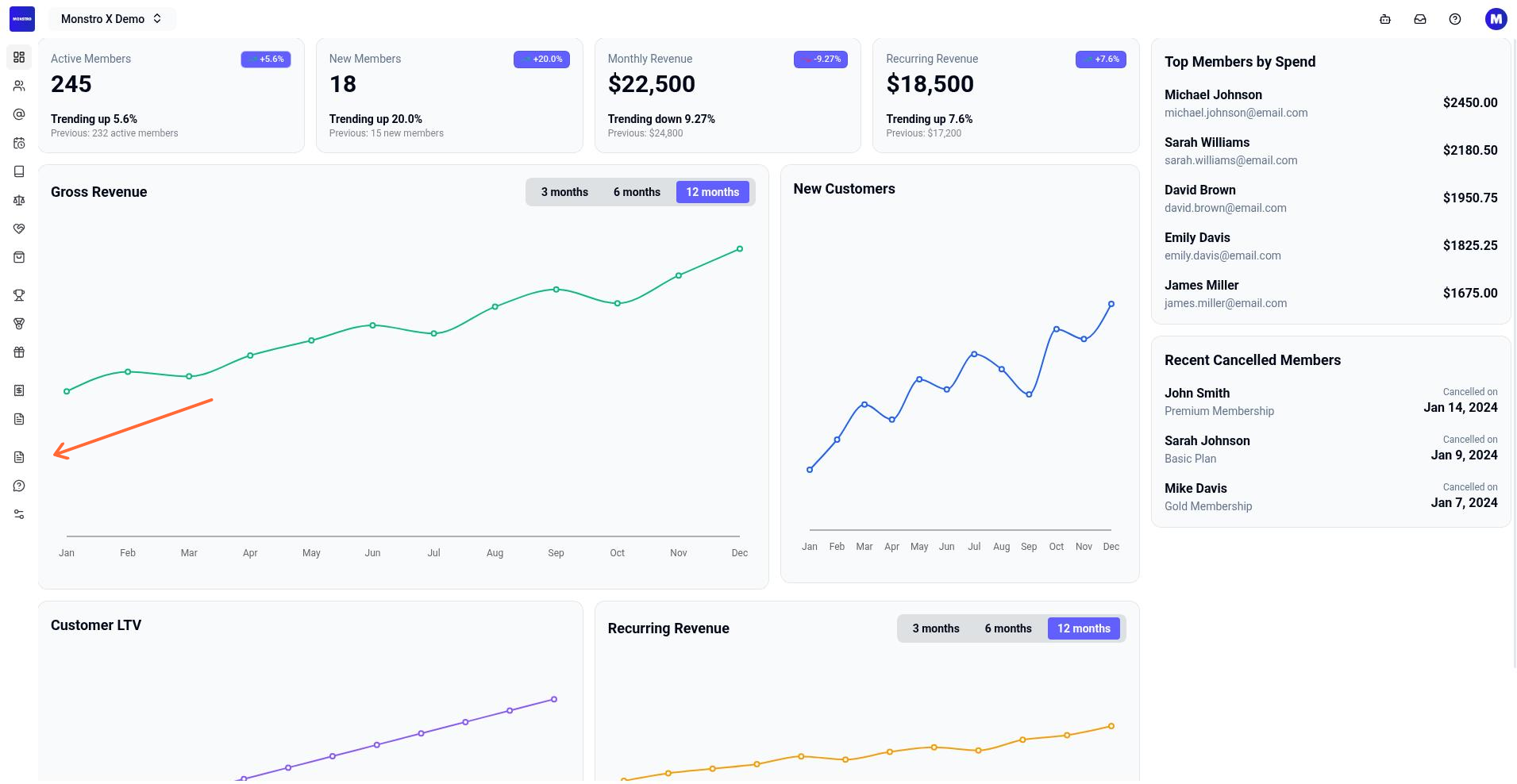
From your location dashboard, select Invoices in the left sidebar under the Financials section.
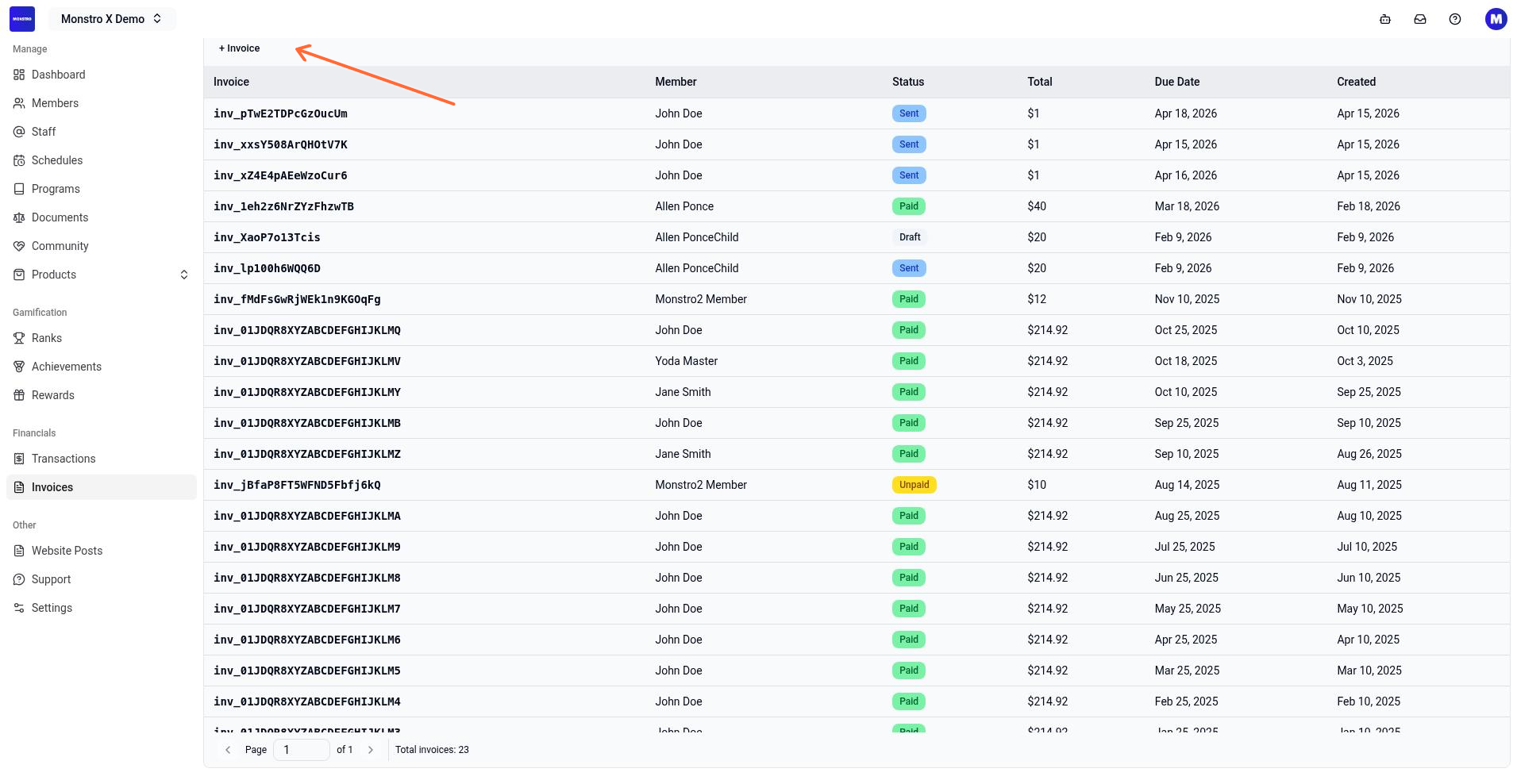
On the invoice list page, click the + Invoice button above the invoice table.
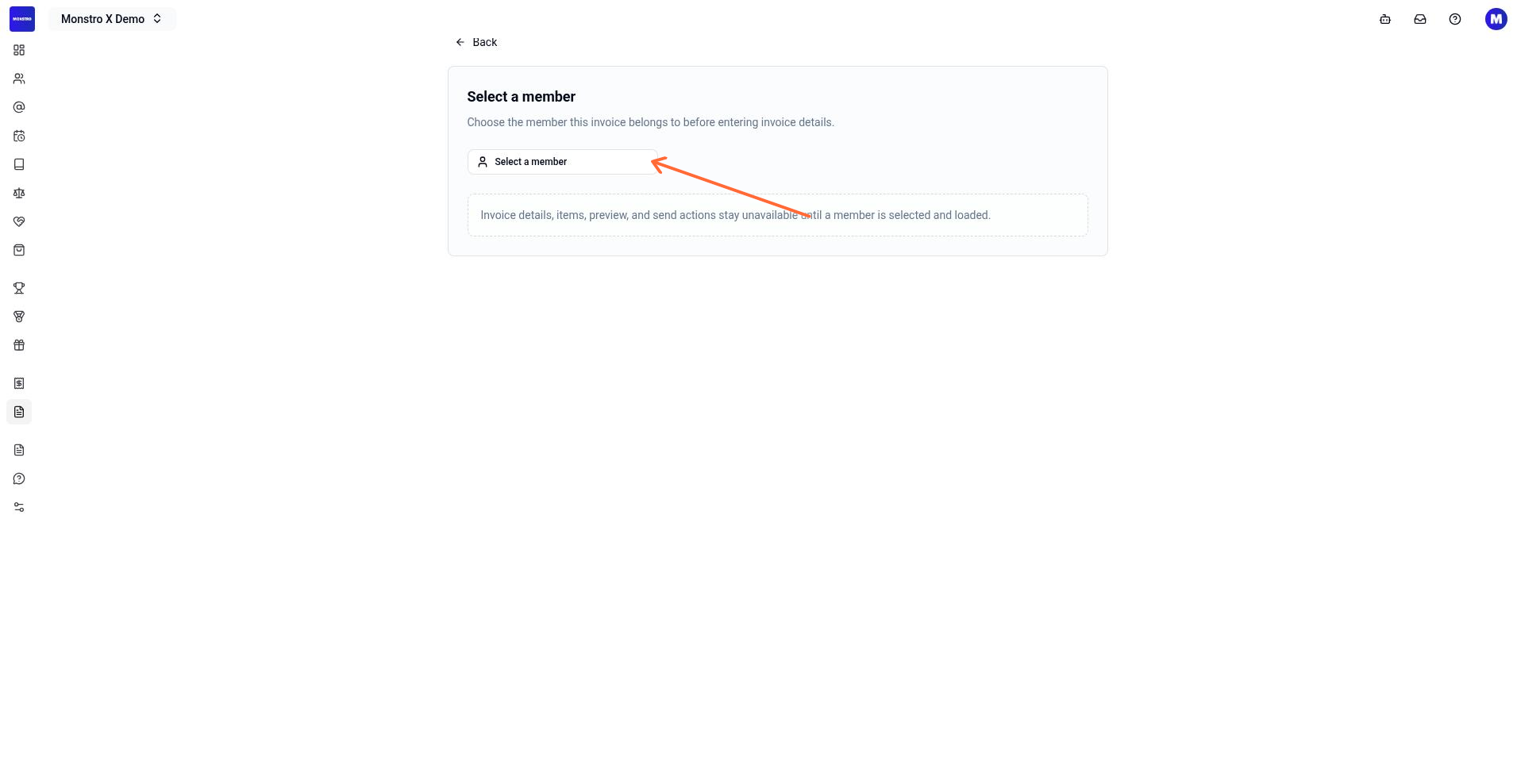
Click Select a member and choose the member you want to invoice. The wizard is member-first: you cannot proceed until a member is selected.
Wait for the member information to load. If the session is not ready or member data is still loading, the next steps are blocked until it finishes.
Build the invoice
Enter the invoice details. The Details section includes fields for Invoice Date, Due Date, Reference, and Description.
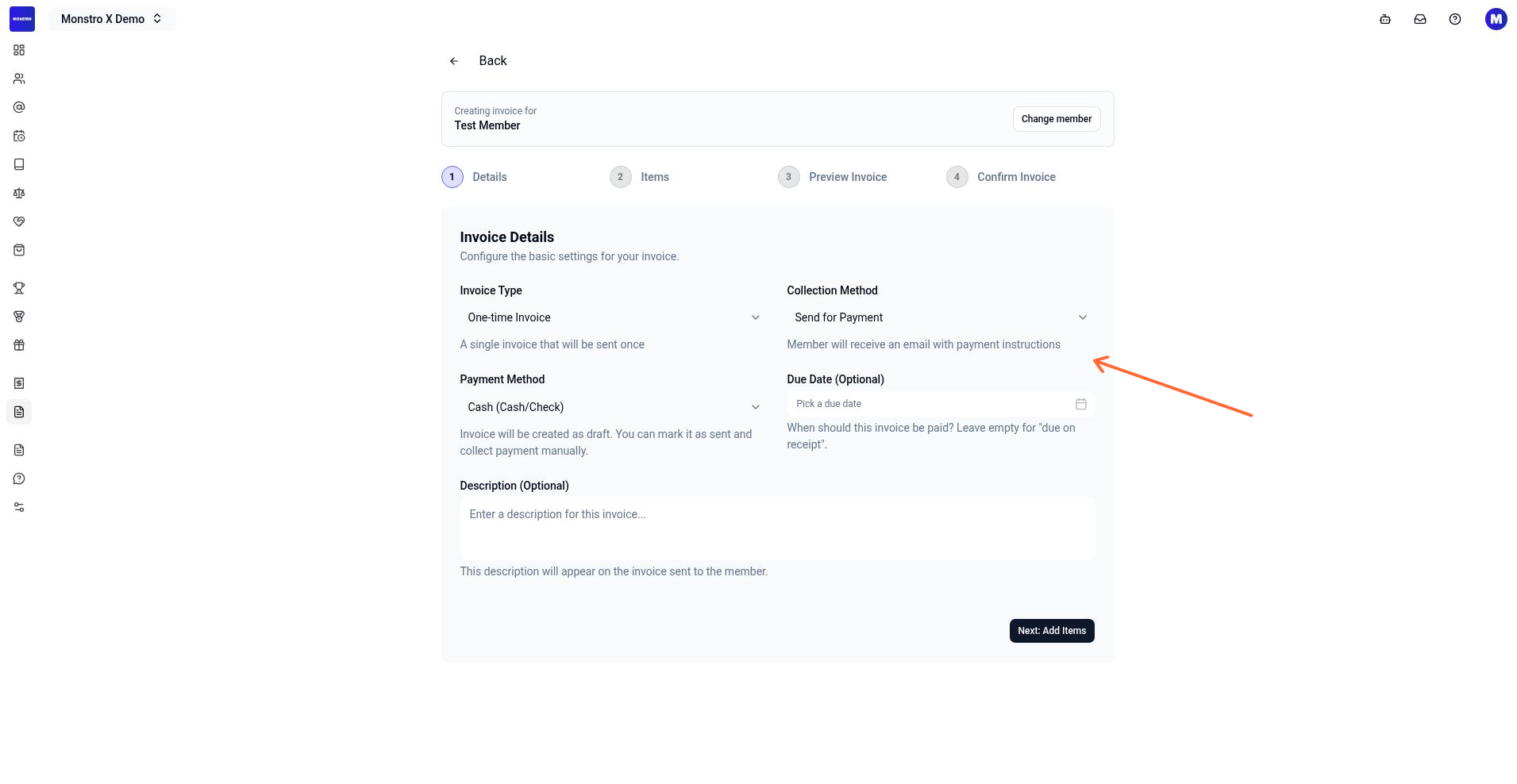
Click Next: Add Items to move to the Items section. Add line items by filling in Item Name, Price (USD), Quantity, and an optional Description. Click + Add Another Item if you need more lines.
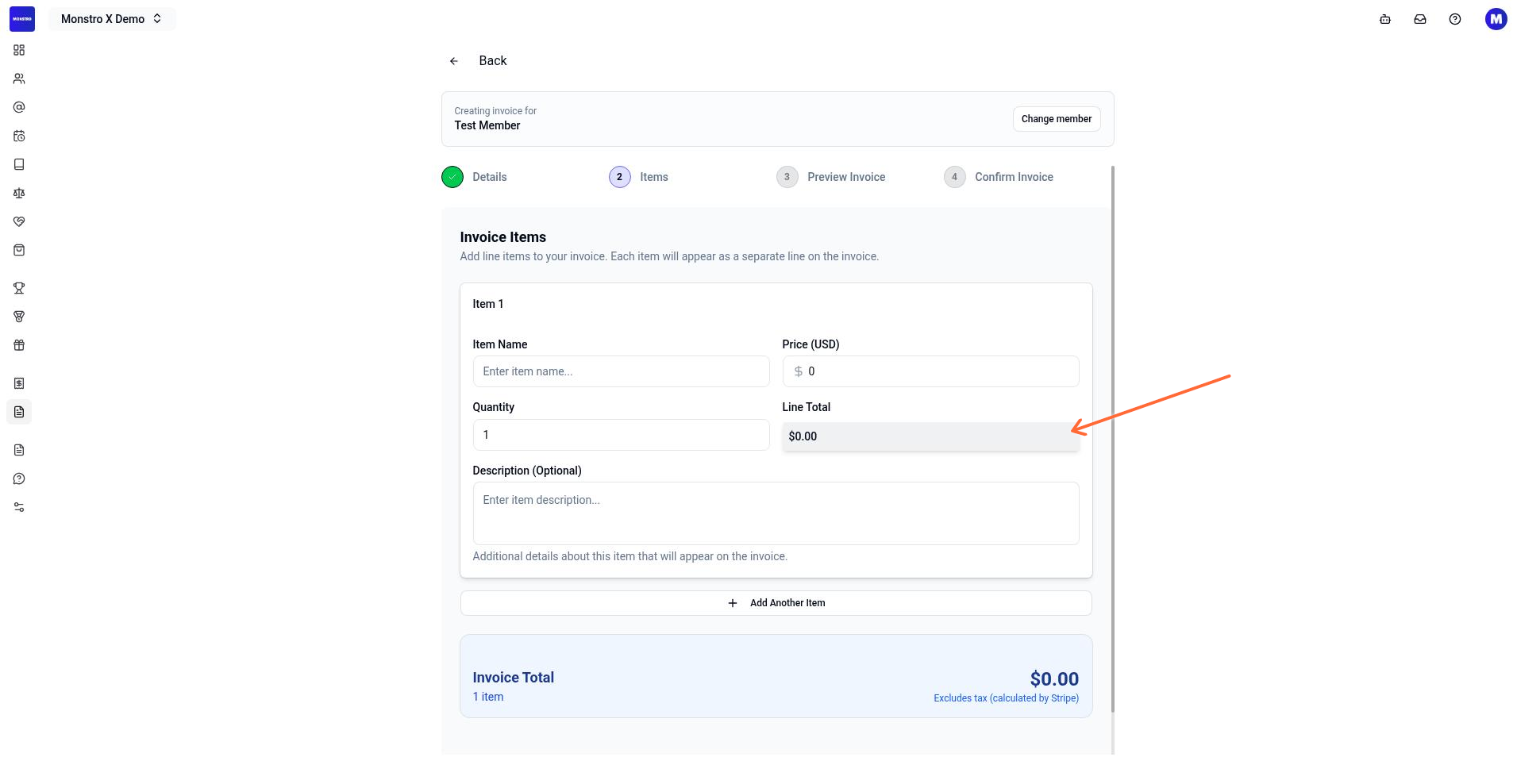
Click Next: Preview Invoice to review the invoice before confirming.
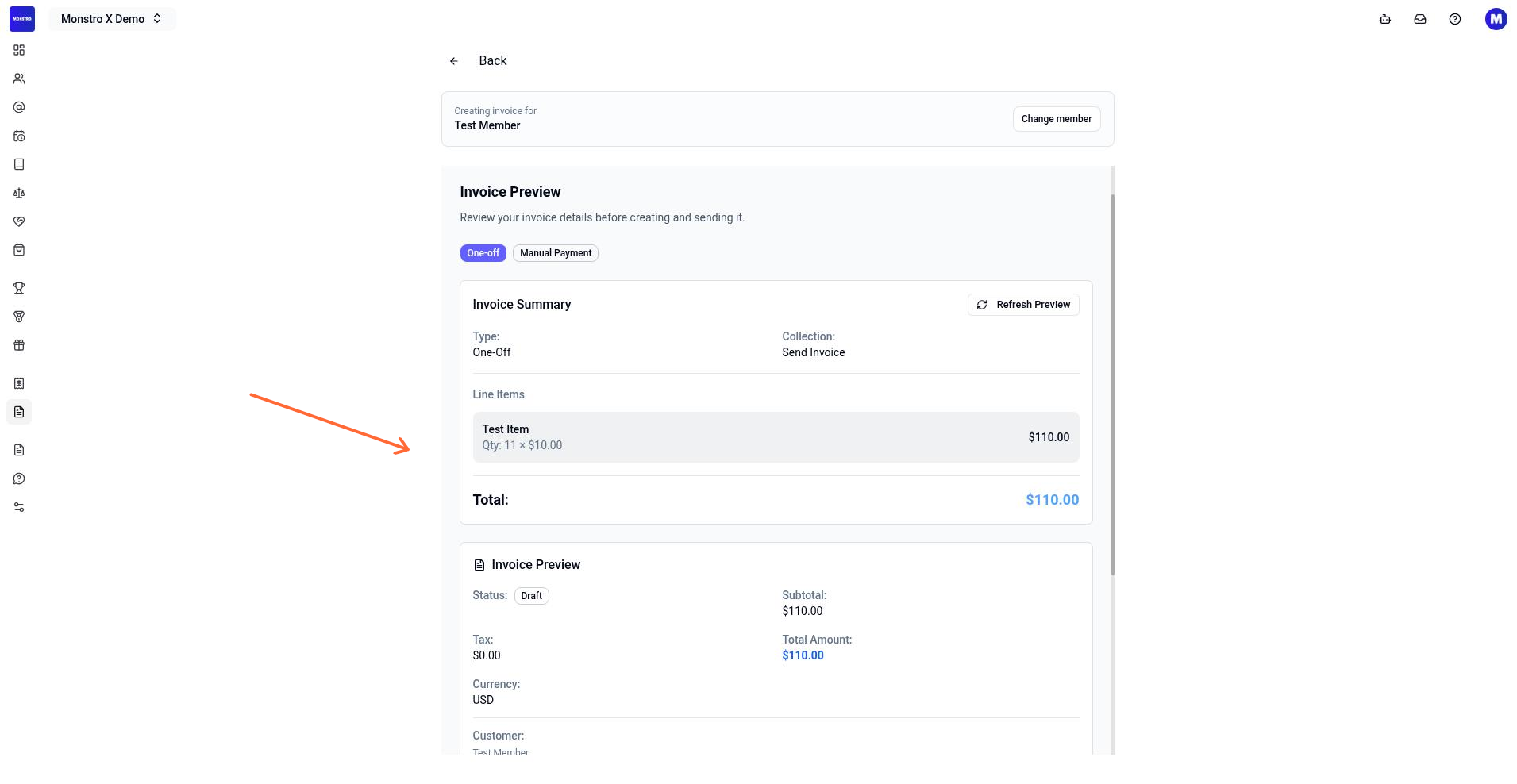
Confirm and finish
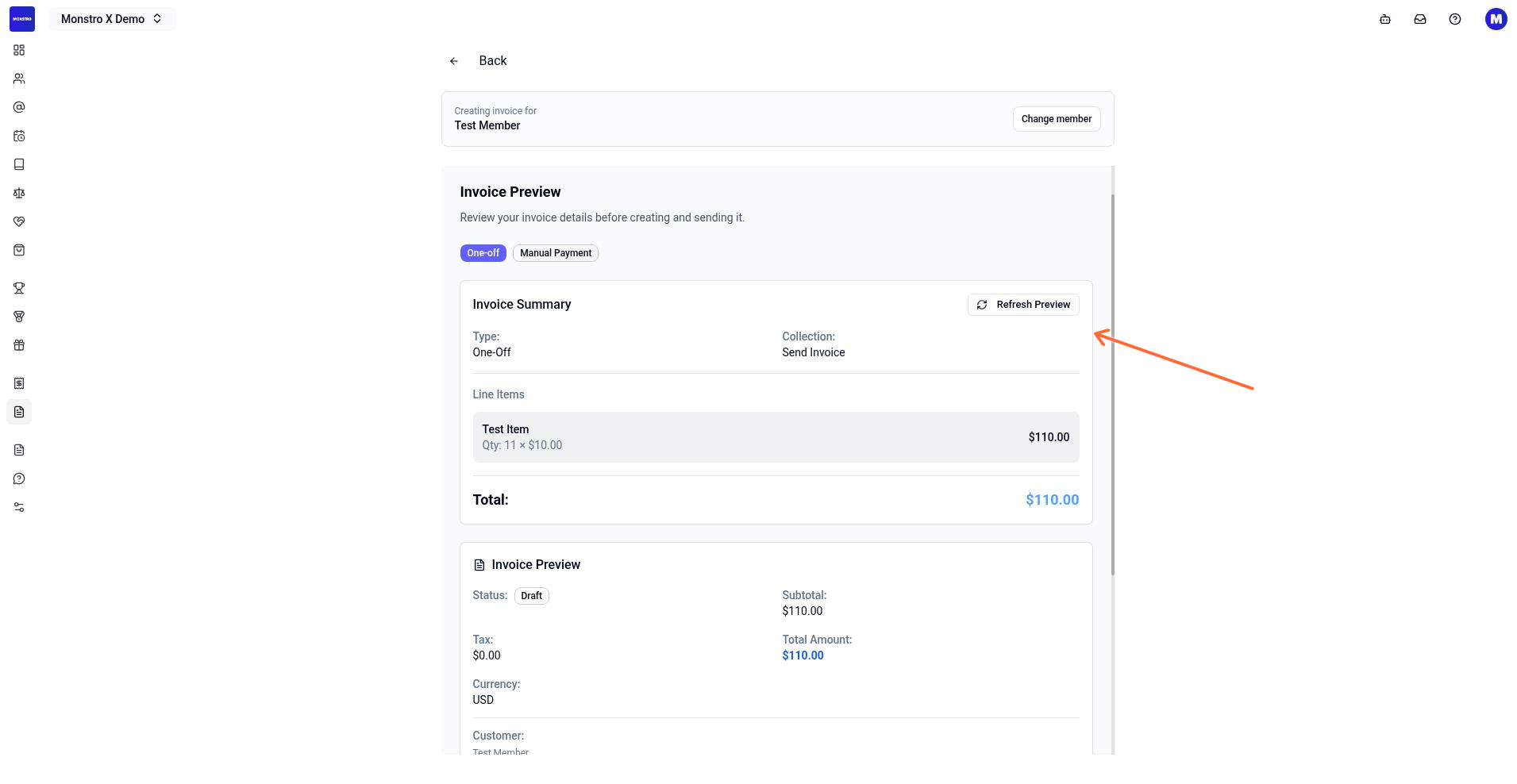
Review the previewed invoice. If anything is wrong, go back and adjust the details or items.
Click Confirm Invoice to finalize it. You can create it as a draft or send it immediately, depending on the flow state you choose.
After confirmation, you are redirected to the member's invoices tab so you can see the new invoice in their history.
Subscription invoices
If a member has an active subscription, you can also generate an invoice from that subscription. The system can preview the subscription-based invoice before you create it.
What to do next
To see, download, or manage invoices you have already created, read Viewing invoices and receipts.
Invoice creation can fail if the location has no payment gateway configured or if the Stripe integration is missing. Make sure your location has the required billing setup before you try to create or send invoices.